Play online
Two players, one each side of the map, connected through the Iron Star relay: nobody opens a port or touches their router. Both need this exact build: a game that's a different version is greyed out in the list, and turned away at the lobby.
Host
- Multiplayer, then Host online.
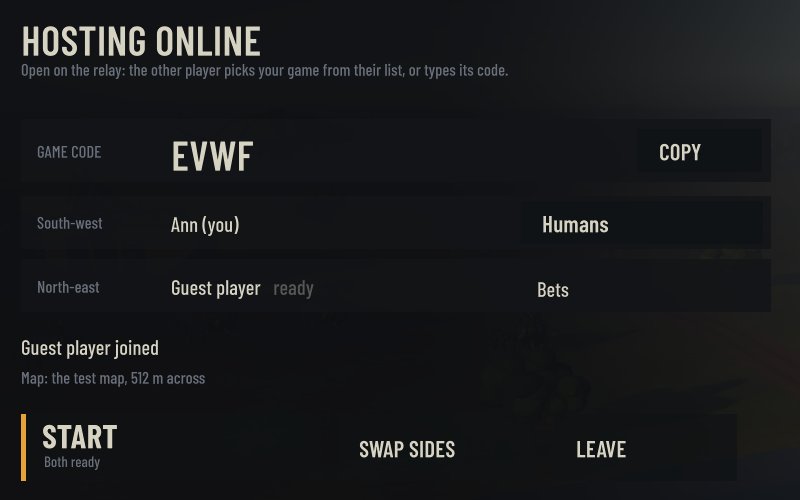
Your game opens on the relay and gets a four-letter code, big in the lobby.
- Tell the other player it's up.
It's listed under your name in their Games online. Or send them the code: Copy puts it on your clipboard.
- In the lobby, pick your faction and swap corners if you like. Start once they're ready.
Join
- Multiplayer, then Join a game.
Under Games online, pick the host's.
- Or type their code under Game code, and Join.
- In the lobby, pick your faction and press Ready.
On one local network you can also play without the relay: Host on your network, and the game shows up under Games on your network for the other player. The first time, Windows asks whether to let Iron Star through its firewall: allow it.
What to test
- Connect across the internet, both ways round. Each of you hosts once.
- Play a whole match, to the end or for at least 20 minutes, with every faction over a few games.
- Watch for "Out of step with … since tick …". That's a desync: the two games no longer agree, and it's the bug we most need to hear about. Note the tick.
- Leave in the middle. Quit, leave from the game menu, or pull the network cable, and see what the other player sees.
- How do orders feel? Every order takes a tenth of a second to cross the network on purpose. Tell us if it feels slower than that.
- Does the match keep up? Players far apart can make the whole match run in slow motion. If it does, tell us roughly where you both are.
Report a problem
- What happened, and roughly when in the match.
- Who hosted, the build (0.2.12), and how you connected: online, with the game's code if you have it, or on a local network.
- The exact message on screen, with the tick if it's a desync.
- Both players' log files, from straight after the match.
The log is at %USERPROFILE%\AppData\LocalLow\DefaultCompany\Iron Star\Player.log: paste that into Explorer's address bar. The one from the run before is Player-prev.log.
Send it to whoever sent you this page.
The game: three factions, nothing alike
One kilometre of ground, two sides, and any two of three factions on it: mirror matches too. Each one builds, pays and fights in its own way.
Humans
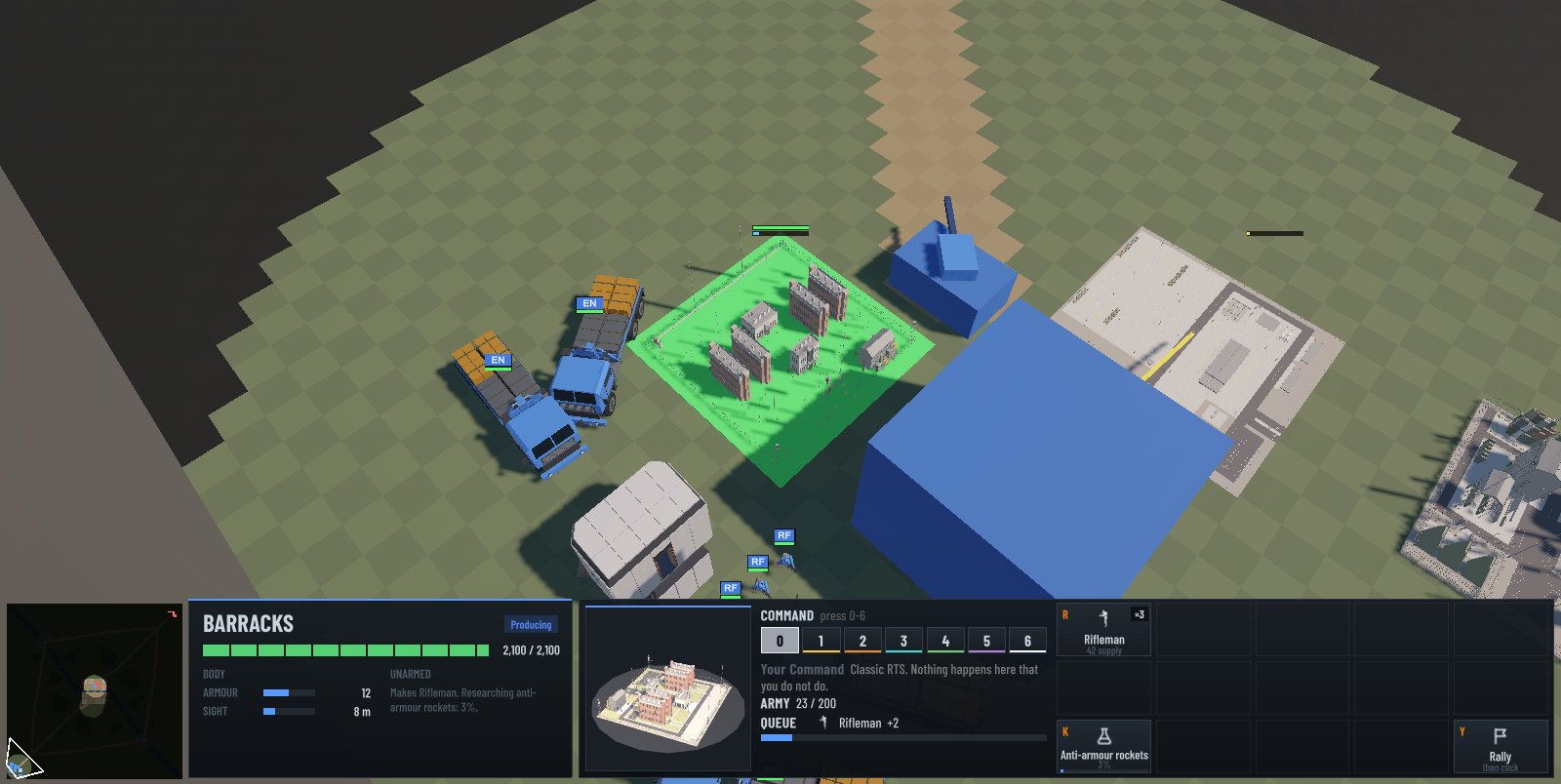
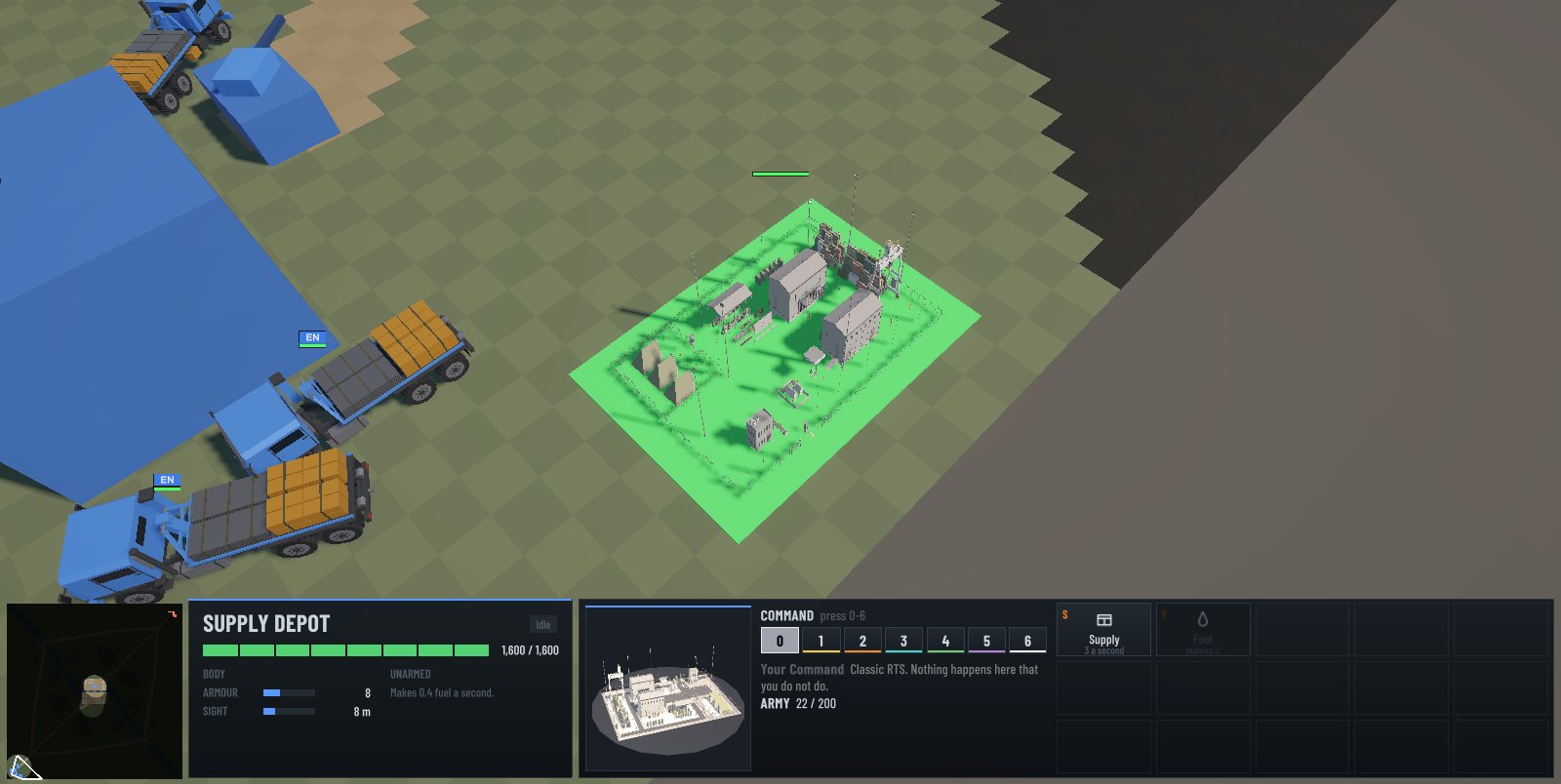
Bases anywhere, hidden until they're found. Quality over count: riflemen who can learn to kill tanks, supply trucks that build wherever they can drive, heavy tanks bought with fuel.
- Supply depots make supply or fuel
- Bunkers to hold ground
- The rifleman's anti-armour rocket
Cerebrates
Machine minds. Every plant must stand on their power lines, and you can always see the lines. A hub takes no orders: it streams an army in a mix you tune.
- Terminators, tiny tanks, the Giant
- Rail yards set once, for good
- Cut a line and what's past it goes dark
Bets
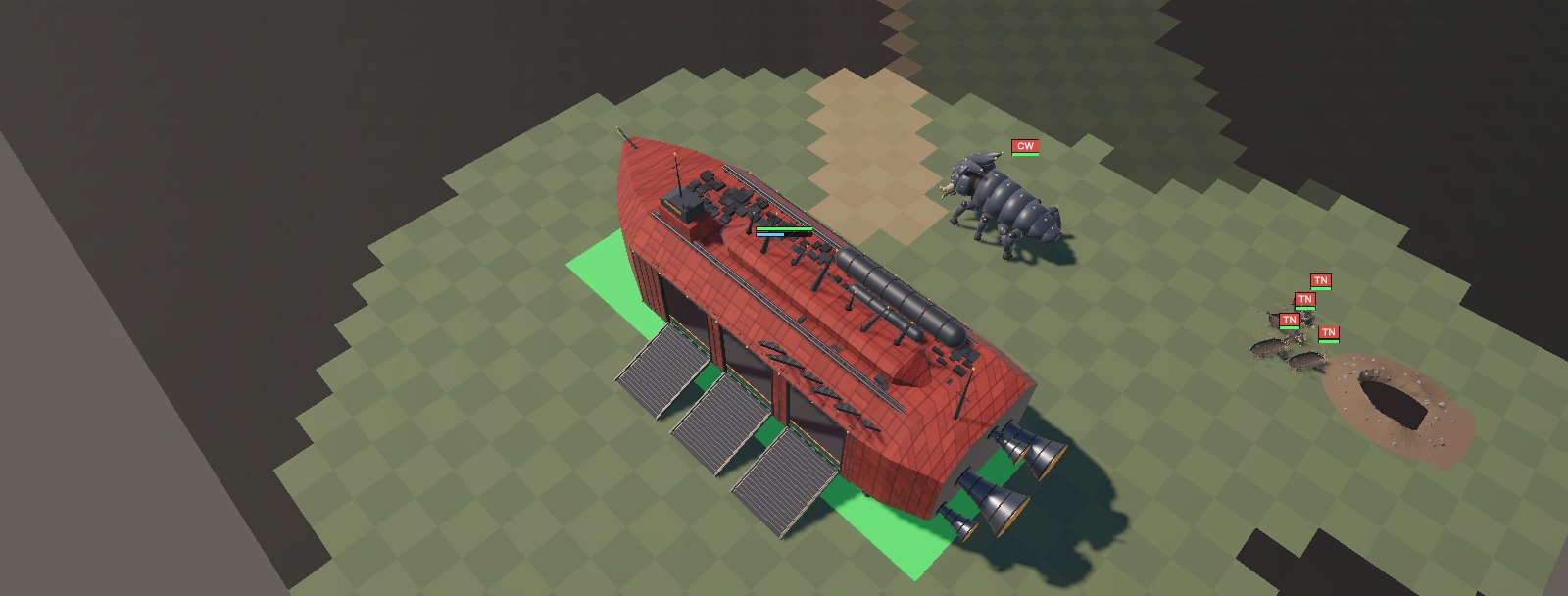
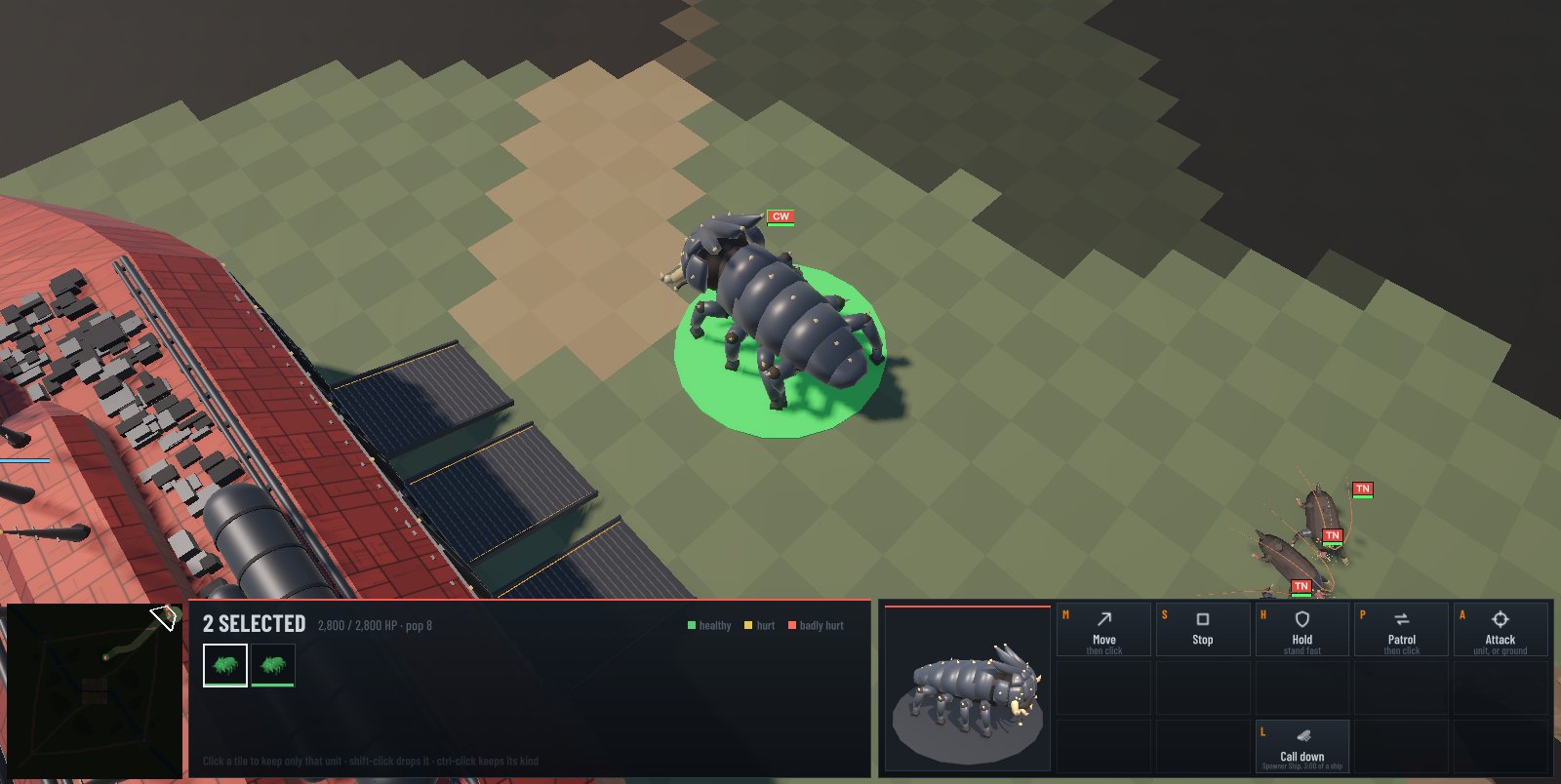
Few, huge, strong. Their ships land and stream creatures the size of tanks, paid for in time, and turn the ground around them into biome that senses anything standing on it.
- Space cows with armoured heads
- Tunnelers that dig their way in
- Ground that only ever grows
This build
- An officer you hand a base to now fights its own war from that base. It attacks the nearest enemy building it knows of (searching around their start if it finds that bare), sends its doctrine's share of its army, and keeps the rest at home to defend it. The defence officer holds and fortifies a hard point at the first choke on the way to the enemy. Before, a handed-off base's army stood at home all game.
- Every unit costs twice as much and takes twice as long to make, fuel included: a rifleman is 84 supply and 36 s, a terminator 48 and 20 s, a heavy tank 440 supply, 300 fuel and 64 s. Buildings are unchanged. Each side starts with 800 supply (it was 300).
- Terminators have 1 armour.
- The computer opponents pick their fights better. They weigh the army they have seen near a target before going in, steer clear of targets covered by guns and bunkers, and send reinforcements in groups rather than one at a time. The Cerebrates never retreat. Each base keeps back only a handful of units, and the rest go.
- A base on cramped ground packs its factories in rather than building none.
- Online, both players need 0.2.12.
Screens
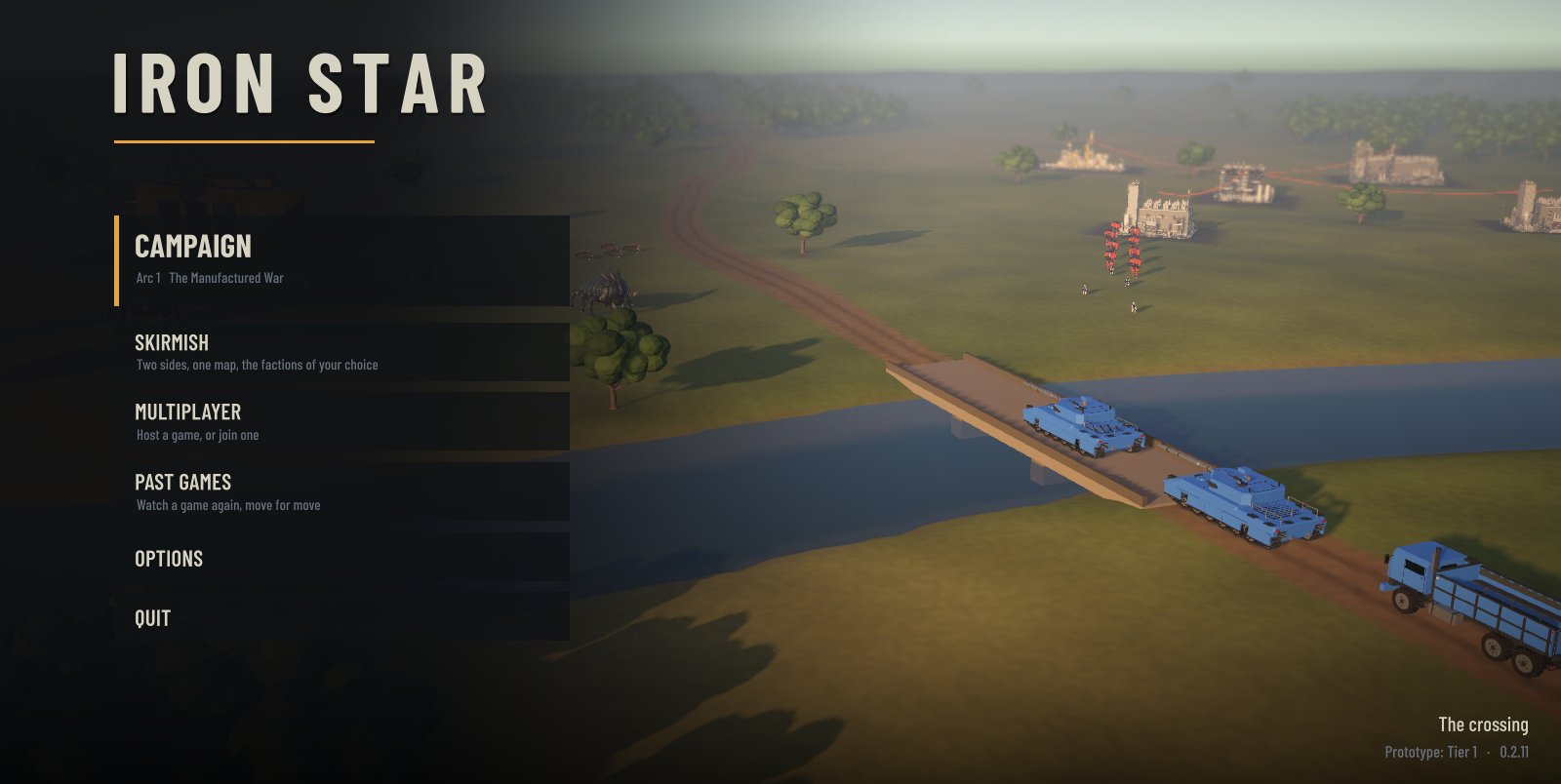
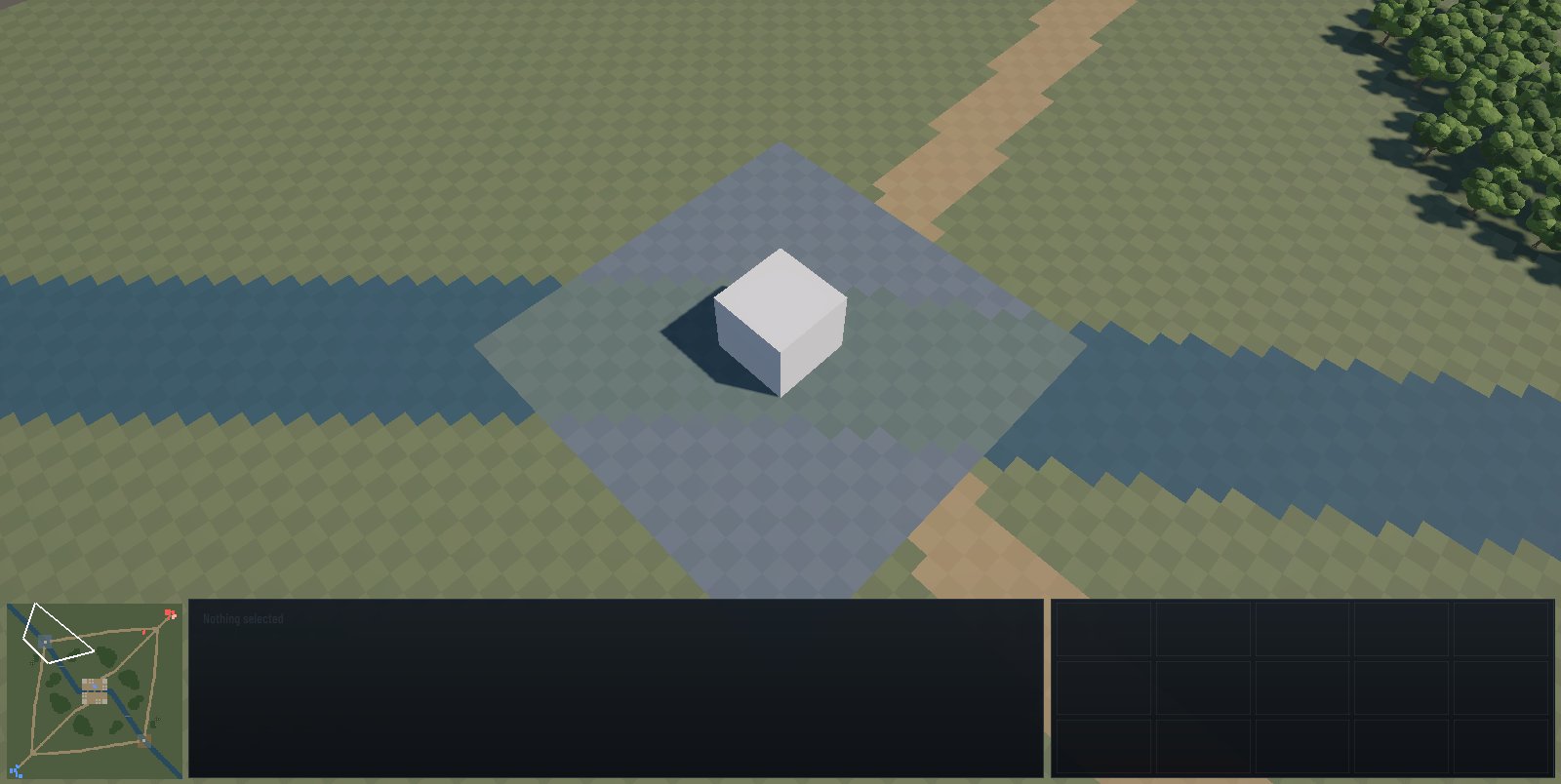
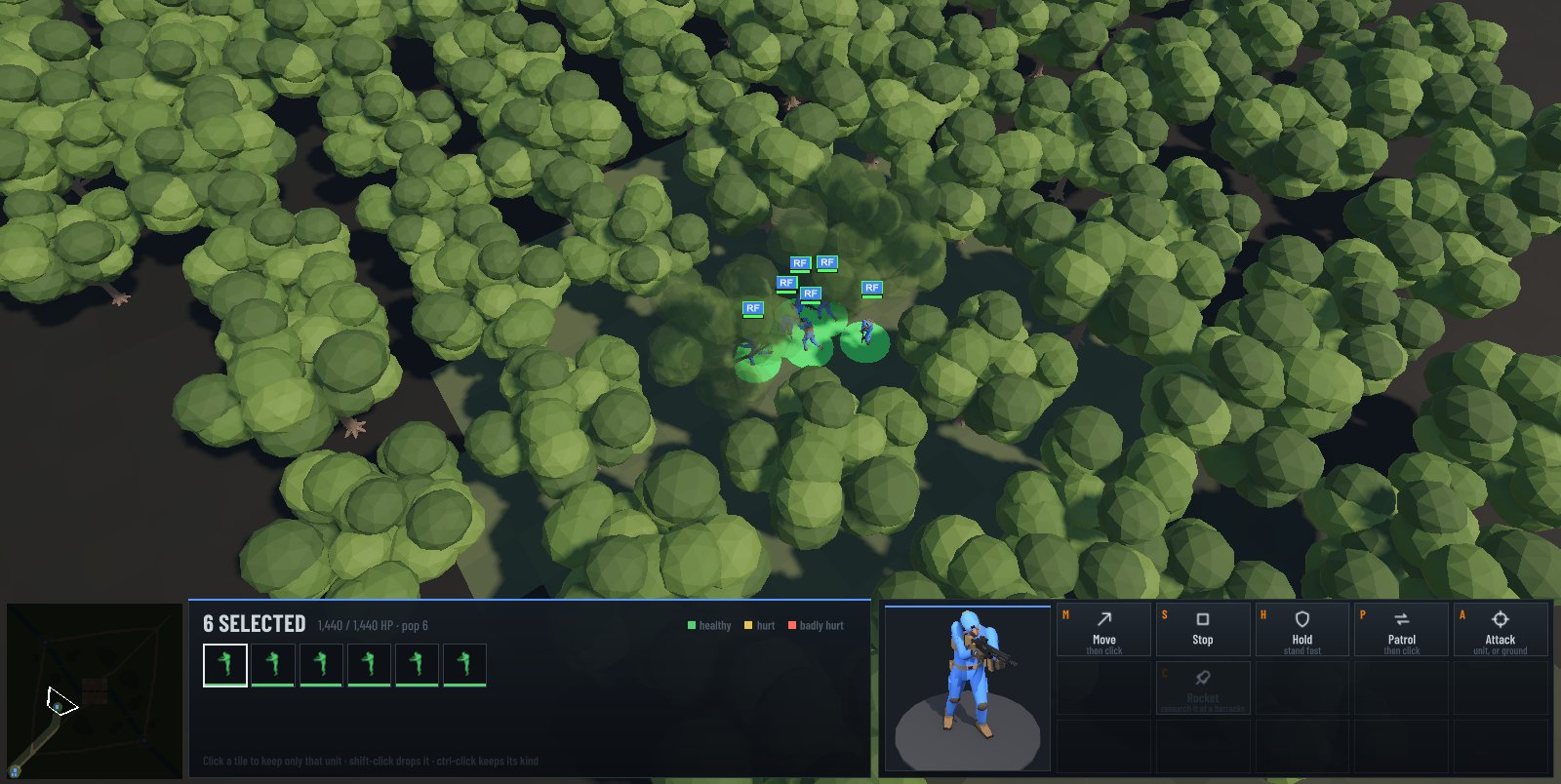
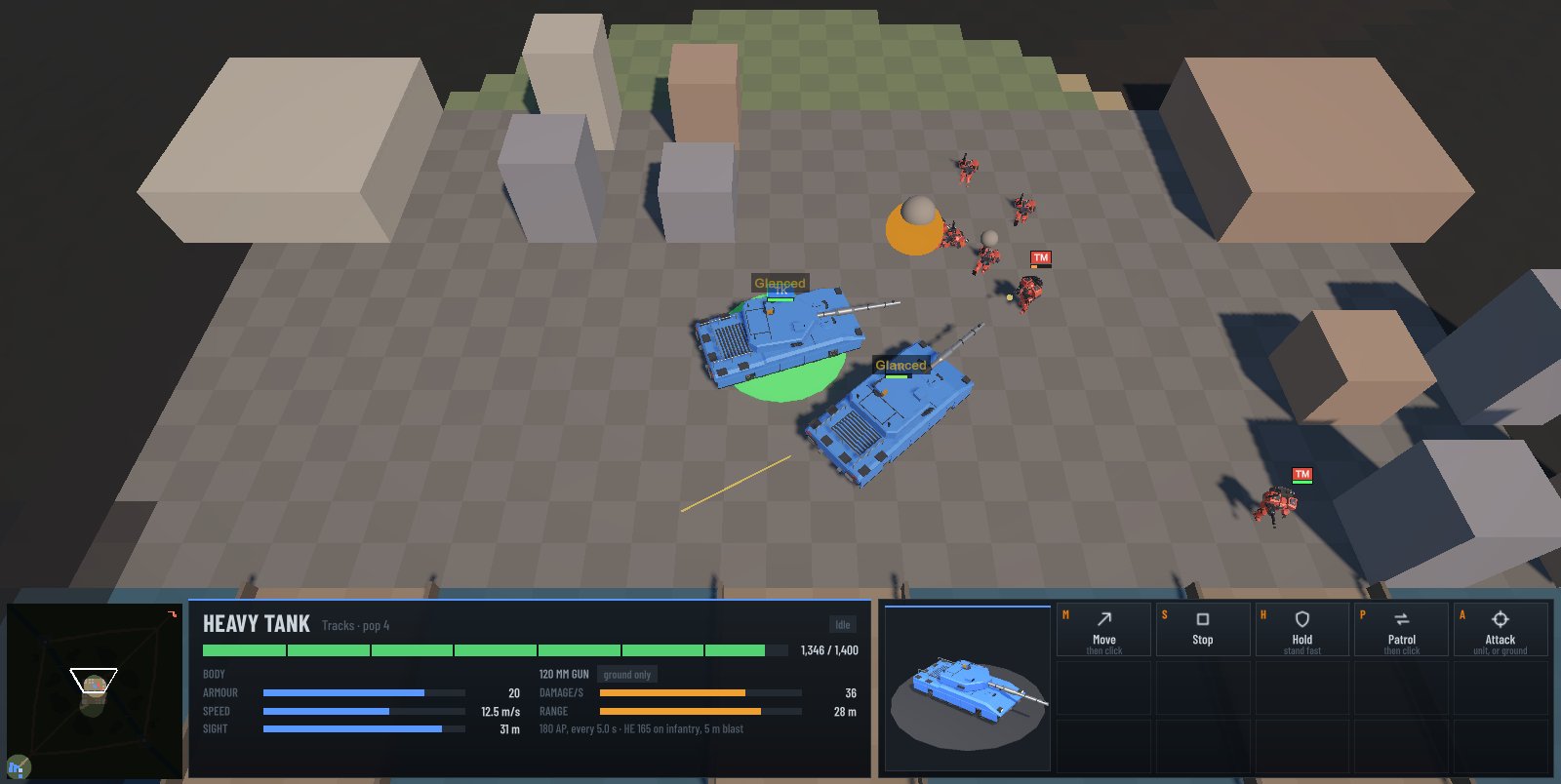
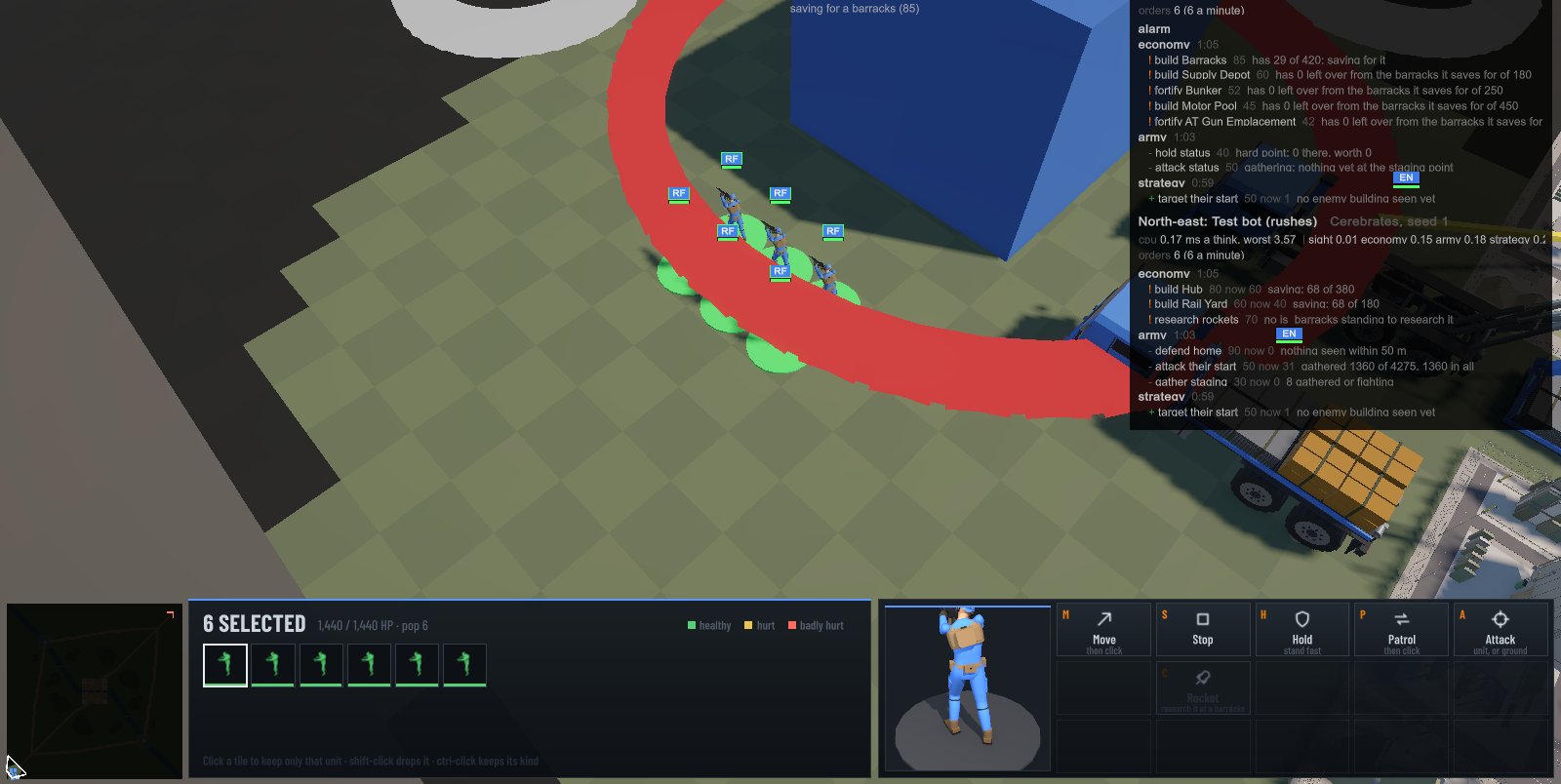
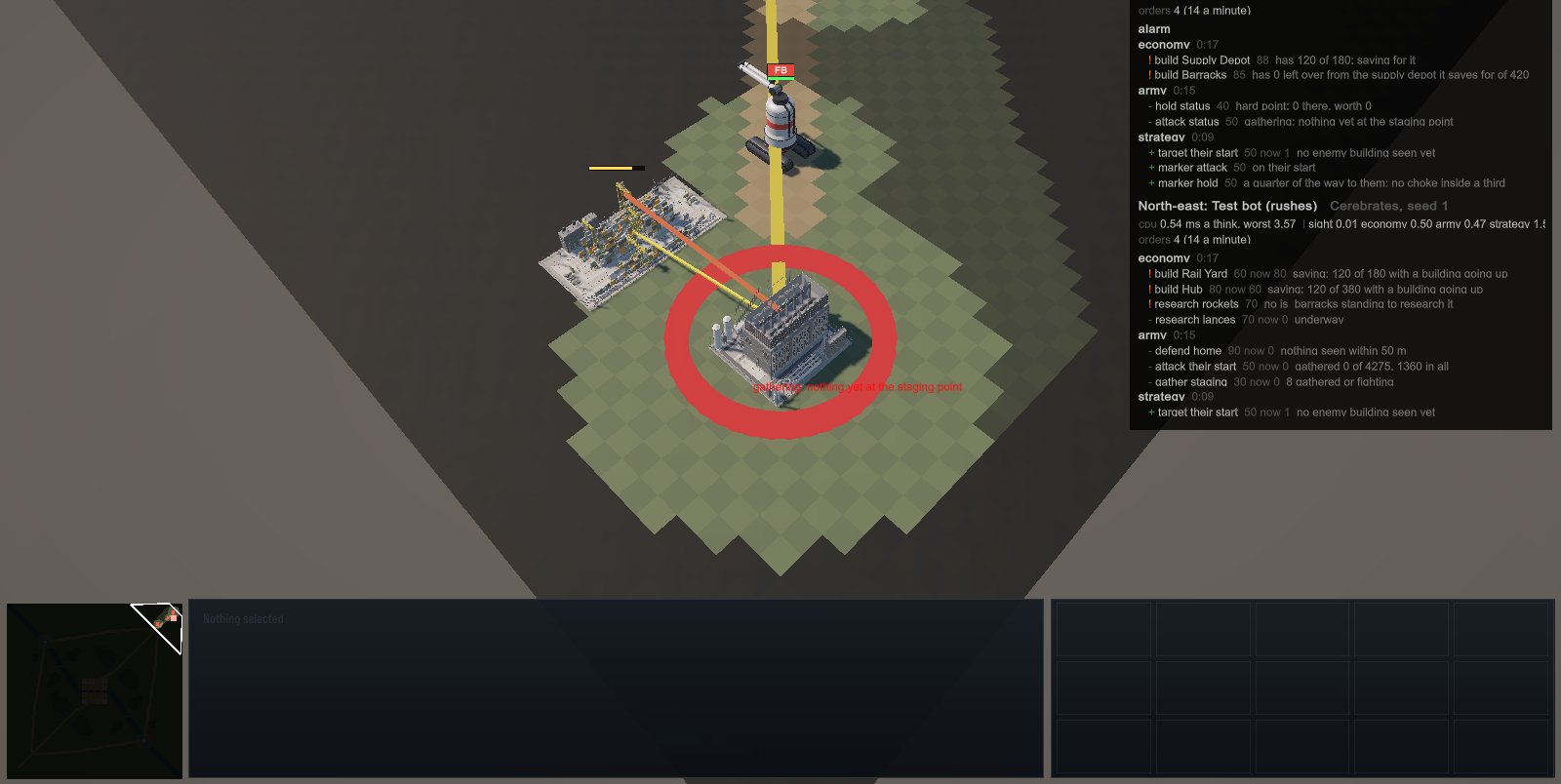
Captured from this build at 1600 × 900. Most models are still placeholders: grey boxes where a building has none yet.
Install
- Download the launcher with the button at the top, and run it.
It isn't signed yet, so Windows may say it protected your PC: choose More info, then Run anyway.
- Sign in to the launcher with your own login. Sign-ups are closed: if you need one, ask whoever sent you this link.
The launcher keeps it, encrypted on your PC, so it asks only once. It's yours alone: don't share it.
- It downloads the game (68 MB) and starts it.
From then on, start Iron Star from its shortcut on your desktop or in the Start menu. The launcher checks for a new build every time, so everyone plays the same one: a game of a different build can't join yours.
| System | Windows 10 or 11, 64-bit |
|---|---|
| Graphics | A DirectX 11 or 12 card from the last several years |
| Disk | About 200 MB once extracted |
| Network play | Online: out to the relay on TCP port 27779, nothing to open. On a local network: TCP 27777 to the host, and UDP 27778 for the list of games |
The launcher checks every build it downloads against Iron Star's signature before it runs anything, and refuses one that doesn't match.
Controls
Multiplayer is what this build is for: see Play online above.
Skirmish is practice on your own: pick the faction on each side of the map, the side you play, and your opponent, the test bot or nobody. The test bot plays crudely; the real computer opponent is still to come.
Campaign shows the story's arcs; its missions aren't built yet.
In a match, F1 shows help and F10 the game menu.
| Left click, drag | Select; shift adds |
|---|---|
| Right click | Move, attack, garrison, repair, rally: whatever fits what's under the pointer |
| Letters | The buttons on the command card, bottom right |
| Arrows, screen edges | Pan the camera; the wheel zooms, middle-drag grabs the ground |
| Space | Centre on the selection |
| Ctrl+1–9, 1–9 | Set and recall control groups |
| Pause, + and − | Pause; game speed |
Known limits
- Online play is two players, with no relay, matchmaking or reconnecting yet. Until this test it has only been played between two games on one machine.
- A prototype: one test map, Tier 1 units only, and placeholder models and menus.
- Nothing is balanced yet. The test bot plays crudely, and the Bets win most early fights.
- The campaign has no missions yet, and nothing is saved between matches.